5 functions, already listed
Haldi, Mehendi, Sangeet, Wedding and Reception are set up for you. Give each one a date, time and venue — or switch off what you aren't hosting.
Hindu wedding template
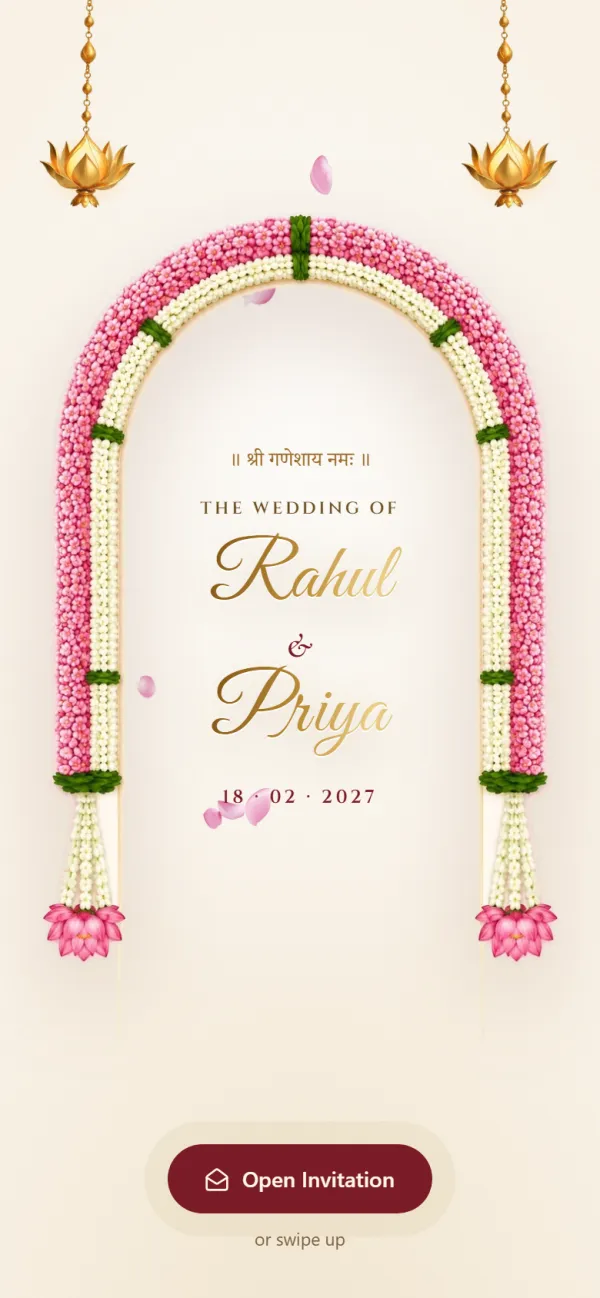
Opens with Shree Ganeshaya Namah and lists every function from Haldi to the reception.A classic Hindu wedding invitation that opens with Shree Ganeshaya Namah, with every function from Haldi to the reception ready for your dates, venues and family numbers.
Live preview with sample details
Scroll inside the phone to see every section
Everything your guests need sits on one page — and everything you fill in is already laid out for you.
Haldi, Mehendi, Sangeet, Wedding and Reception are set up for you. Give each one a date, time and venue — or switch off what you aren't hosting.
Your names sit under the blessing, followed by your welcome message — write it in English, Hindi or both.
Paste a Google Maps link or just the address. Functions held at home can be marked “at home”.
Add one or more phone numbers for the bride's and groom's sides. Guests tap to call.
Preview it exactly as guests will see it, then copy the link or send it straight to WhatsApp.
Every design has the same features. They differ in look, opening blessing and the functions they start with.

Hindu Royal
Hindu
Tilak · Haldi · Mehendi · Sangeet · Baraat · Royal Wedding · Grand Reception
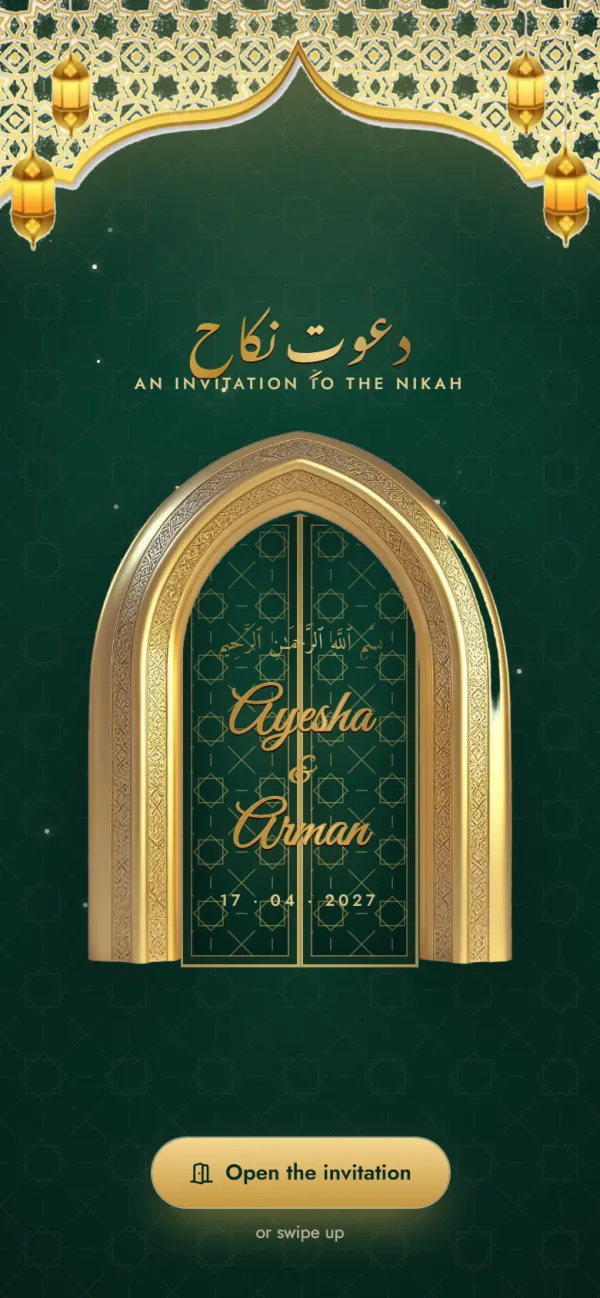
Muslim Elegant
Muslim
Mehndi · Nikah · Walima Reception
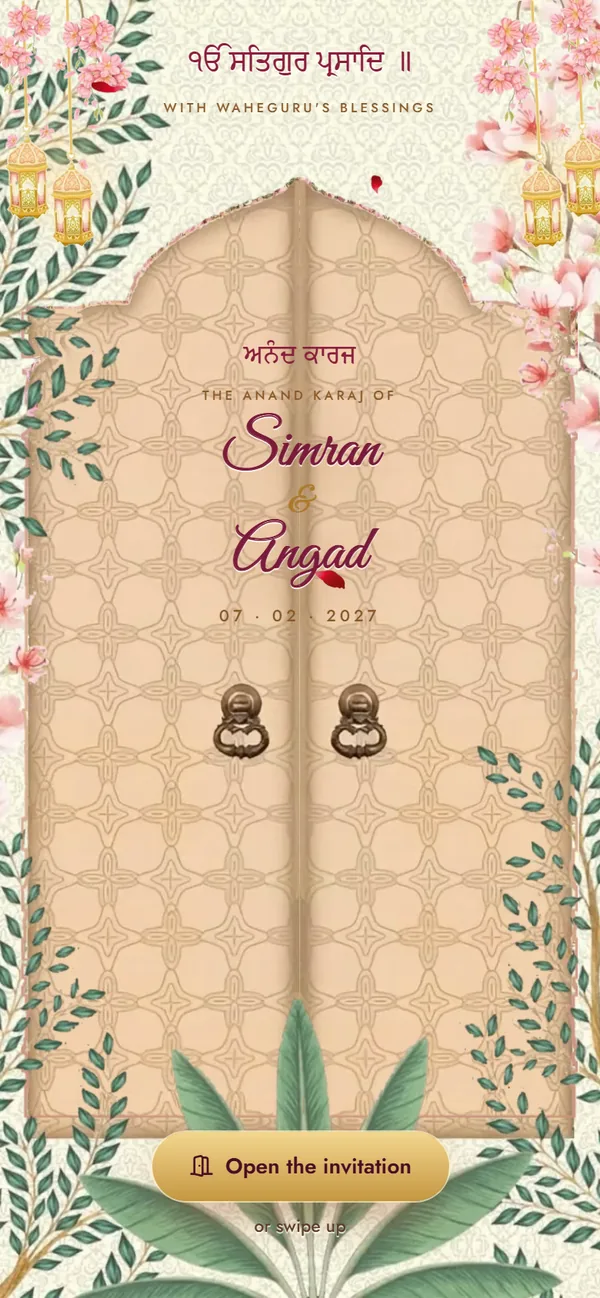
Sikh Vibrant
Sikh
Sehaj Path Bhog · Mehndi & Sangeet · Maiyan · Jaggo · Chooda & Kalire · Anand Karaj · Reception
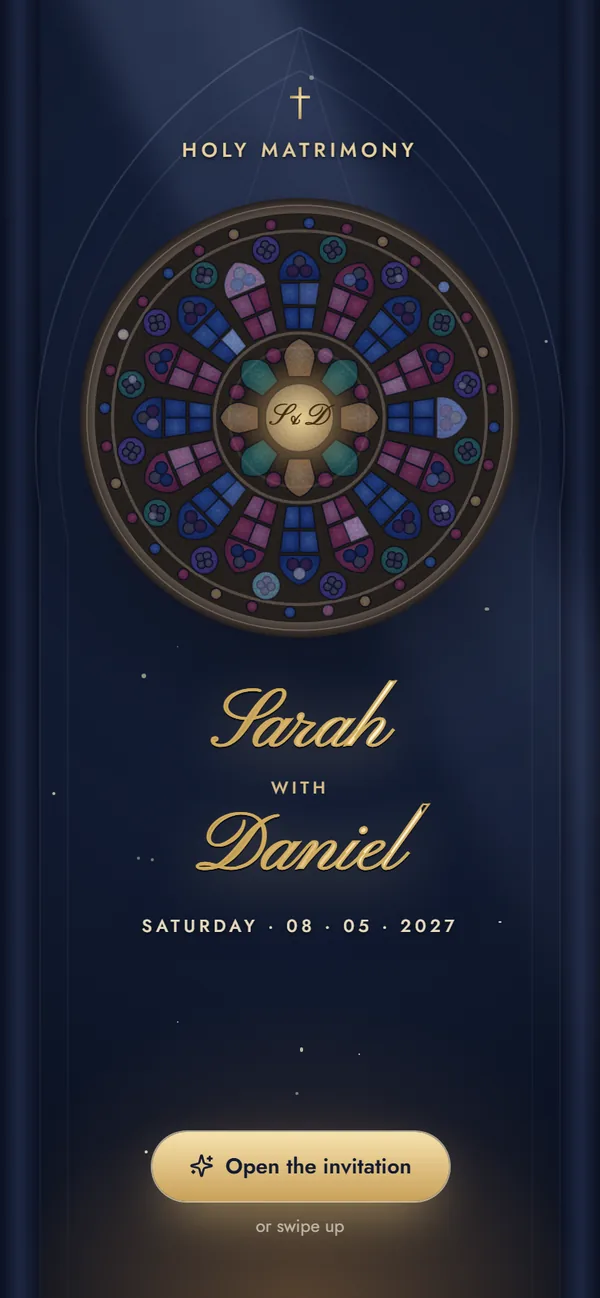
Christian Classic
Christian
Engagement · Bridal Shower · Roce · Holy Matrimony · Reception
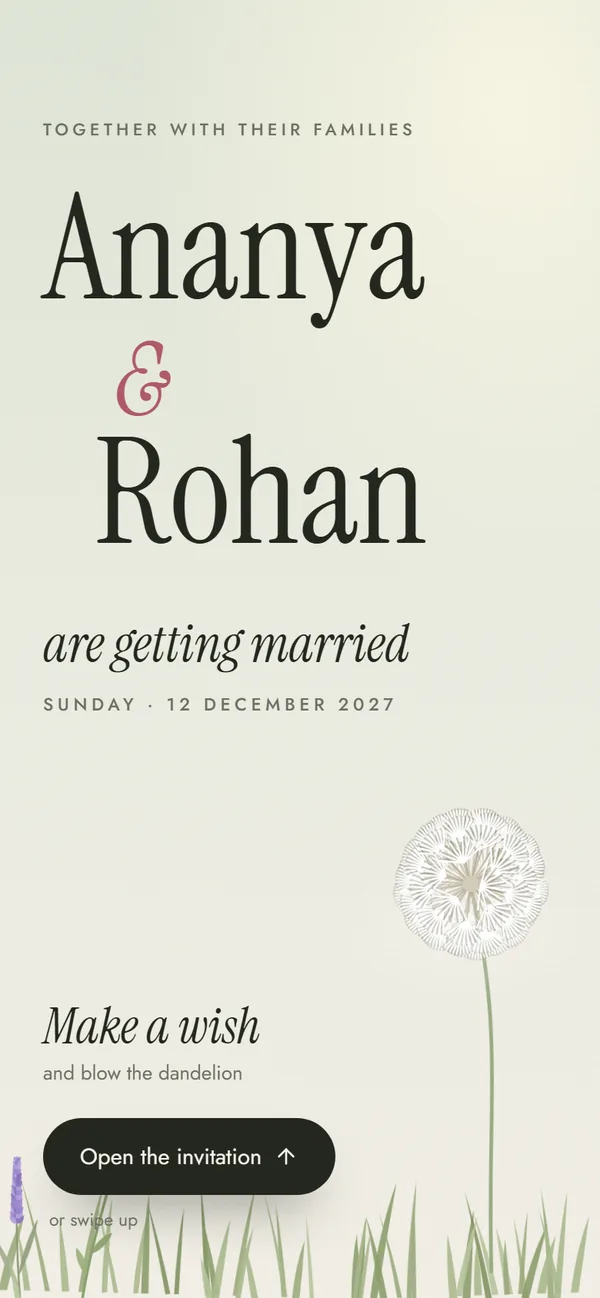
Modern Minimal
Any tradition
Welcome Drinks · Mehendi · Wedding · Reception · After-Party
What you can change, what's included and how guests open it.
It opens with Shree Ganeshaya Namah above your names, followed by your welcome message (it begins with ॥ श्री गणेशाय नमः ॥, and you can edit it). 5 functions are already listed — Haldi, Mehendi, Sangeet, Wedding and Reception — each with a date, time, venue, address, an optional Google Maps link and an “at home” switch. Below them come the bride's and groom's families with one-tap call buttons, an optional “our story” section and your closing message.
Yes. The invitation opens with Shree Ganeshaya Namah, and the welcome message starts with ॥ श्री गणेशाय नमः ॥. You can rewrite the welcome message in English, Hindi or a mix of both.
Tap “Use this design”. Enter both names and family names, then fill in each function's date, time and venue — the date and time you type in the first function fill in the others. Add phone numbers for each side and preview the invitation free. When it looks right, get your link (a one-time ₹499) and share it on WhatsApp. No sign-up is needed.
No. The design's colours and fonts are fixed. You can change all of the wording — names, families, functions, venues, phone numbers and messages — and you can switch to another template while you're editing if you'd like a different look.
You can switch off any of the 5 listed functions and it won't appear on the invitation. Adding new functions isn't available yet, so if your wedding needs one this design doesn't list, try another template.
Yes. It's a web link that opens in the phone's browser, so guests don't install anything. Directions buttons open Google Maps, and call buttons open the phone's dialler.
Add your names, functions, venues and family numbers and preview it free. Get your link for ₹499 when you love it.
Hindu Traditional
Free to try · ₹499 to share