Send the song with the invite
Share your invitation link, then a YouTube, Spotify or JioSaavn link to your song. Guests tap to listen when they're ready.
On your inviteSend them as two messages, so the invite link is easy to find again later.
Every design has its own music
Every design comes with its own instrumental track, from a shehnai mangal dhun to a Punjabi folk tune. It starts softly only when a guest opens the invitation, never on its own, and one tap turns it off. Here's how it works, and how to share your own song too.
Hindu Traditional (shehnai), Hindu Royal (santoor and bansuri), Sikh Vibrant (Punjabi folk), Christian Classic (Pachelbel's Canon) and Modern Minimal (soft piano) play their track once a guest opens the invitation. In Muslim Elegant the music never starts by itself; guests can choose to play it. You can't upload your own song yet, so share it as a link instead (ideas below).
A song sets the mood beautifully, as long as the guest is ready for it.
Most mobile browsers won't play sound until the visitor taps something. Many “music invites” open silently anyway, behind a “tap to play” button.
In a meeting, in a temple, beside a sleeping baby — a song that starts on its own is the first thing a guest rushes to stop.
A track that starts at full volume makes guests reach for the mute button before they've read a single name.
Commercial songs re-uploaded in videos can get muted or blocked when posted on Instagram or YouTube.
Want your song rather than ours? All of these work alongside your invitation link, and guests stay in control of the volume.
Share your invitation link, then a YouTube, Spotify or JioSaavn link to your song. Guests tap to listen when they're ready.
On your inviteSend them as two messages, so the invite link is easy to find again later.
Write it into your welcome message or the optional “our story” text — a small line guests smile at.
On your invite“Our song: Din Shagna Da — play it on the way to the Mehendi!”
Post a 15–30 second clip with your song as your WhatsApp Status or on Instagram, and send the invitation link in chats.
On your inviteUse the app's own music library where you can — re-uploaded film songs can be muted.
When you send a reminder the day before each function, add a track that suits it — a Mehendi song, a dhol beat before the Sangeet.
Ask guests to reply with one song they'd love to dance to. Your DJ gets a playlist built by the people who'll be dancing.
Put your Haldi-to-Reception songs in a single YouTube or Spotify playlist and send it with your invitation — guests can play along on the way.
Popular picks families pair with each moment. Share them as links: film songs can't go inside an invitation.
Warm, celebratory openers for the first message.
Playful, folk-flavoured songs for daytime functions.
Songs that get every generation on the floor.
Gentler tracks for the emotional moments.
Romantic picks for the evening and the couple's dance.
Classic picks for an aisle walk or a first dance.
Copy one, then replace [invite link] and [song link] with your own.
Aap sabhi saadar aamantrit hain 🙏 Shaadi ke saare functions aur venue yahan hain: [invite link] Aur yeh hamara gaana 🎶 [song link]
We're getting married! 💍 Every function, venue and direction is here: [invite link] Play this when you're ready — it's our song 🎶 [song link]
Kal Sangeet hai! 💃 7:30 PM, The Lotus Garden. Directions: [invite link] Warm-up playlist 🎶 [playlist link]
Help us build the Sangeet playlist 🎶 Reply with one song you'd love to dance to! Invite and directions: [invite link]
Our song: Din Shagna Da 🎶 — play it on your way to the Mehendi!
Paste into the welcome message or the “our story” text.
Save the date — 12.12.2026 💛 Full invitation with every function and map: [invite link]
Send the link in chats too — it's easier to tap there.
Music sets the mood. Everything guests need to actually get to your functions is there too.
Your tradition's functions come listed; switch off the ones you aren't hosting.
Mention it in the optional story or your welcome message.
A Google Maps button on every function.
One or more numbers for each side.
Send the link, then your song if you like.
Each design comes with its own music. Preview them free and listen before you choose.
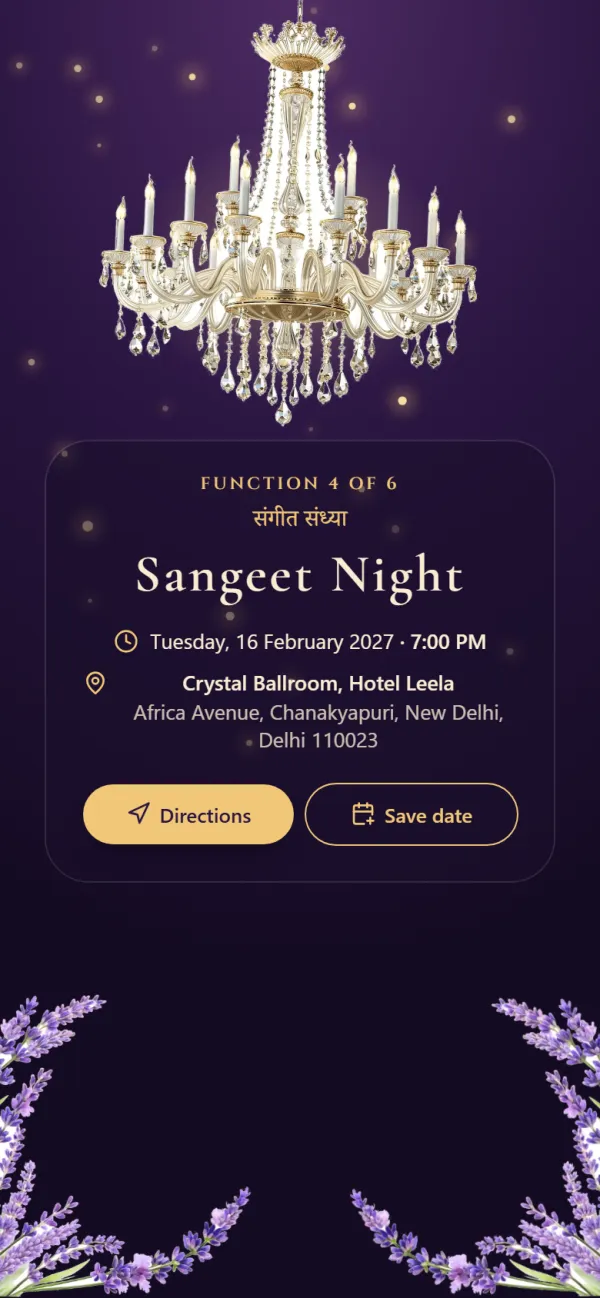
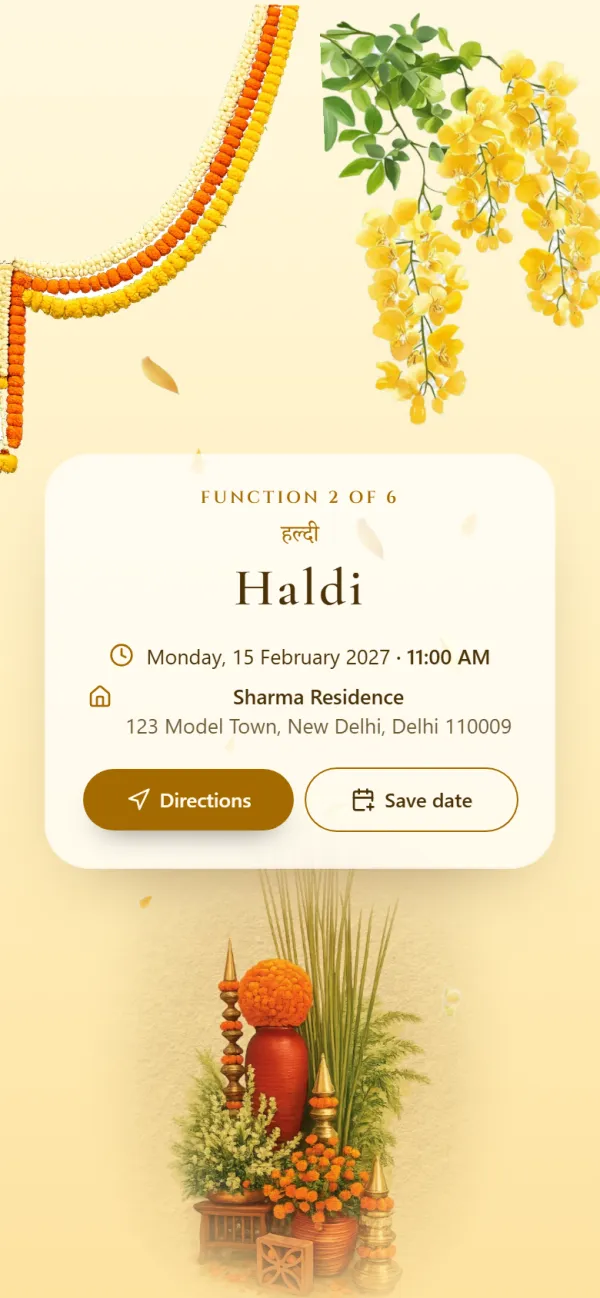
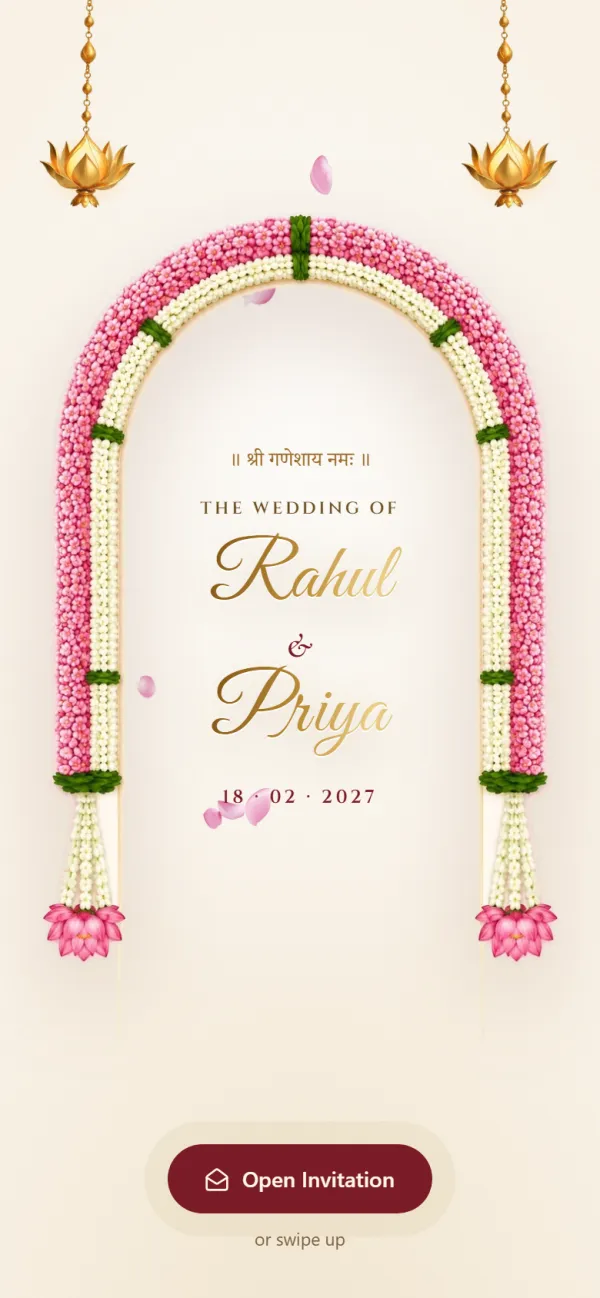
Opens with Shree Ganeshaya Namah and lists every function from Haldi to the reception.
Functions included
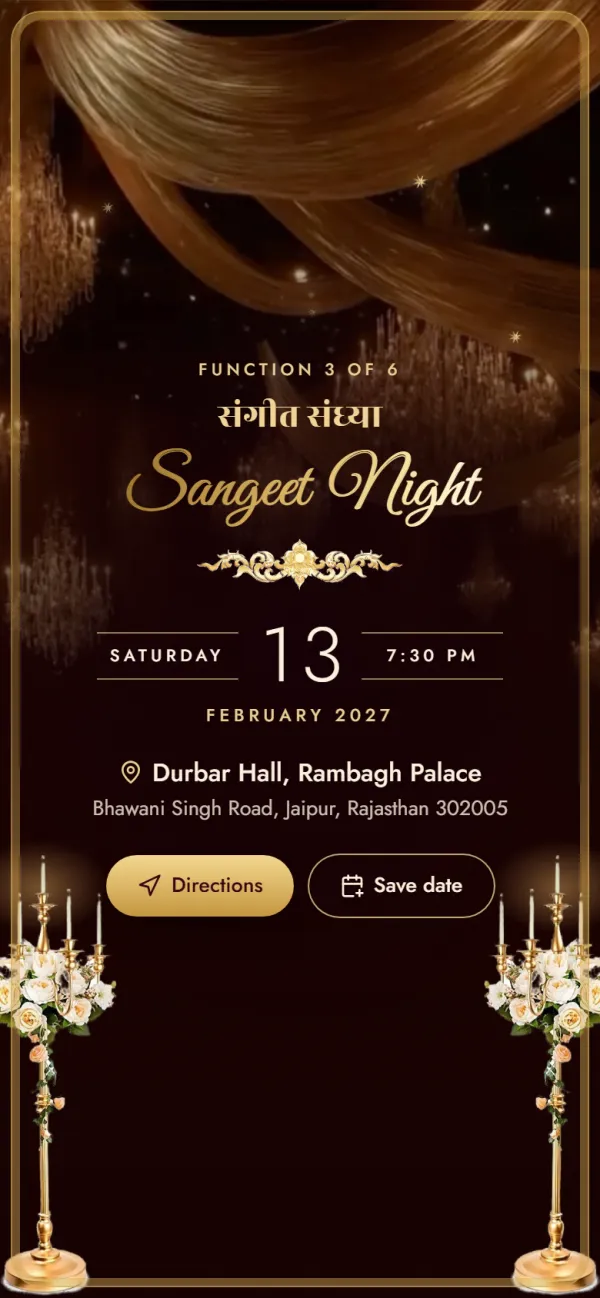
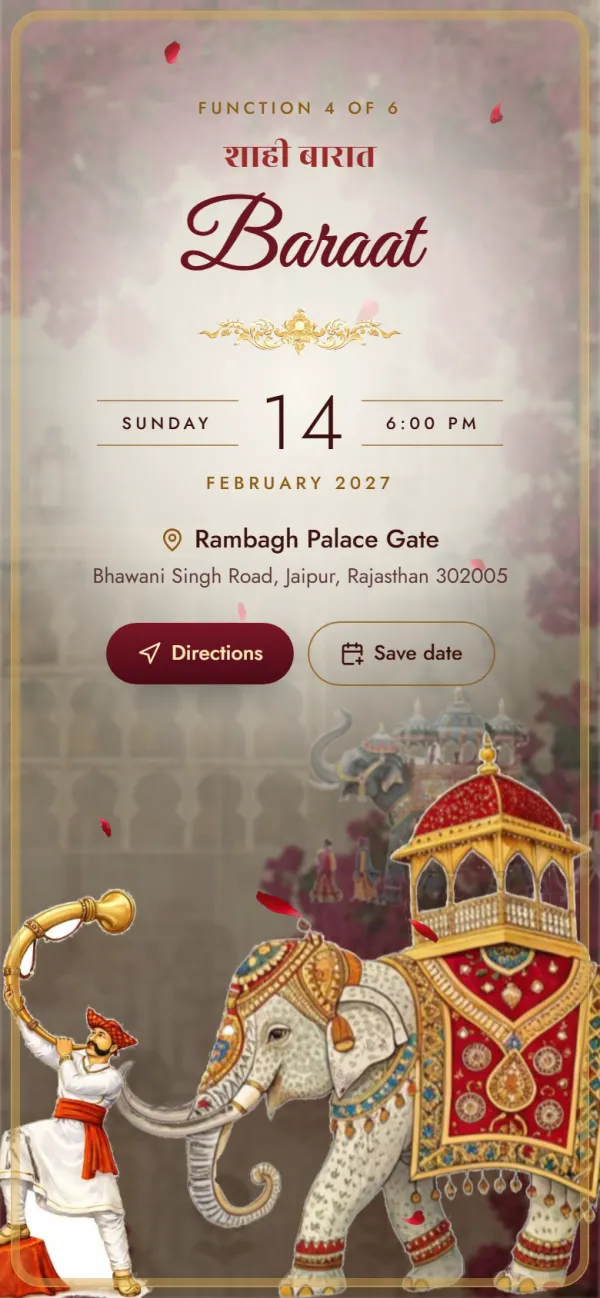
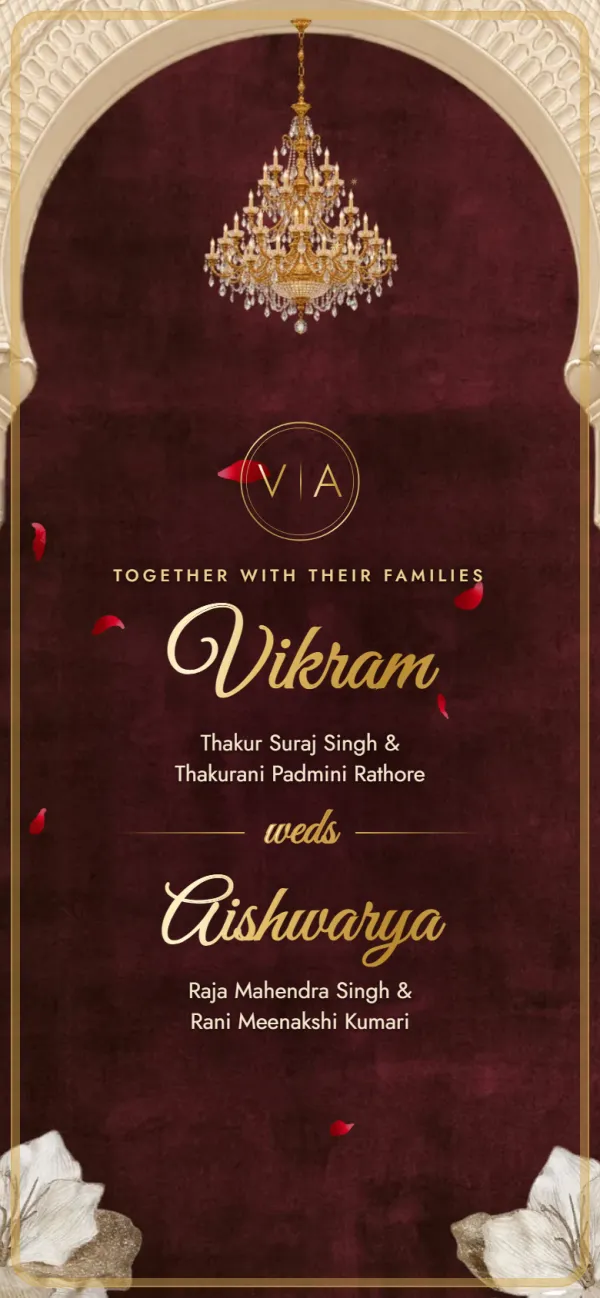
A palace invitation: a sealed letter, velvet curtains and a baraat on an elephant.
Functions included
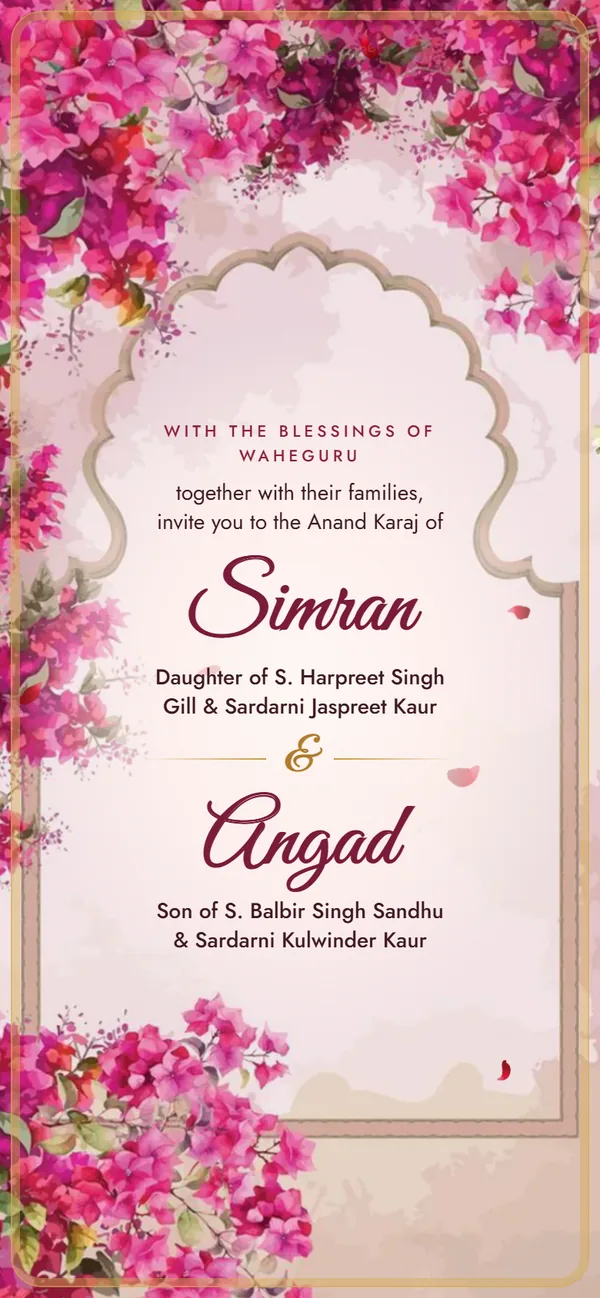
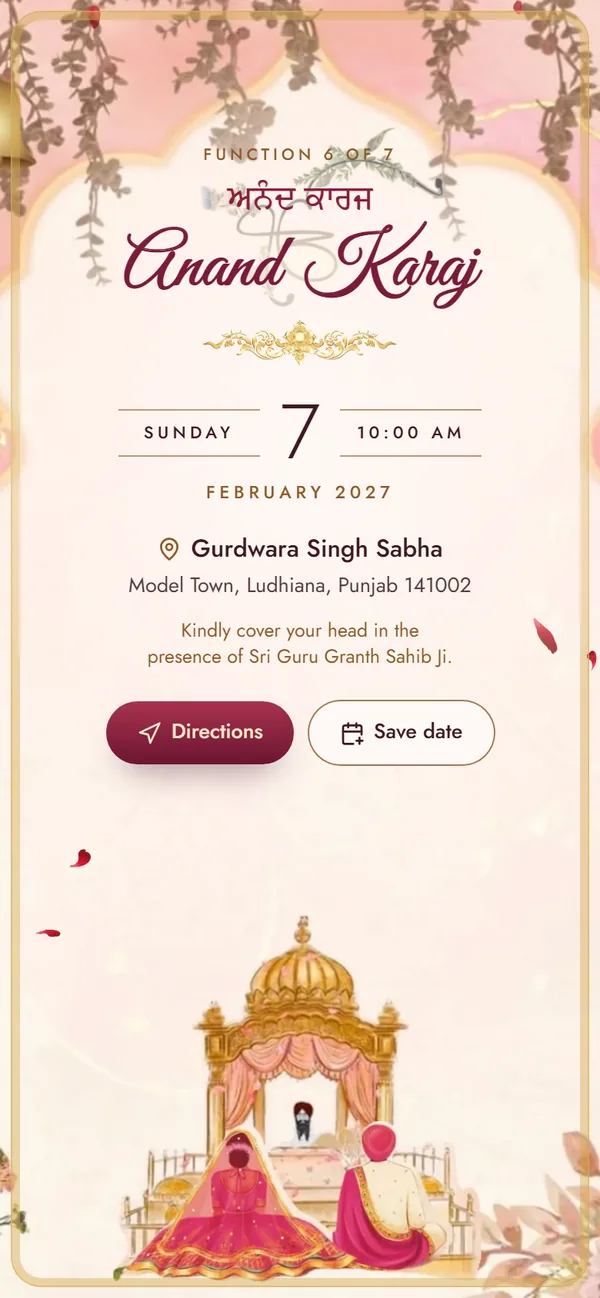
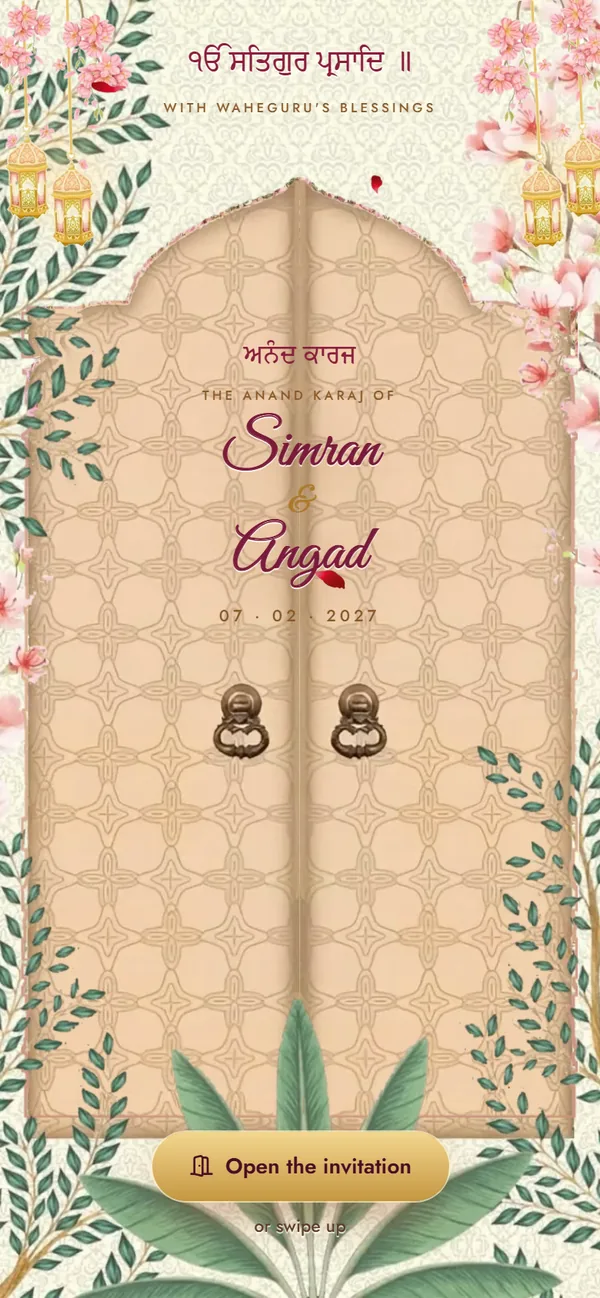
Carved doors swing open on the Palki Sahib: blossoms and gold, the four Laavan, and every function from Path to Reception.
Functions included
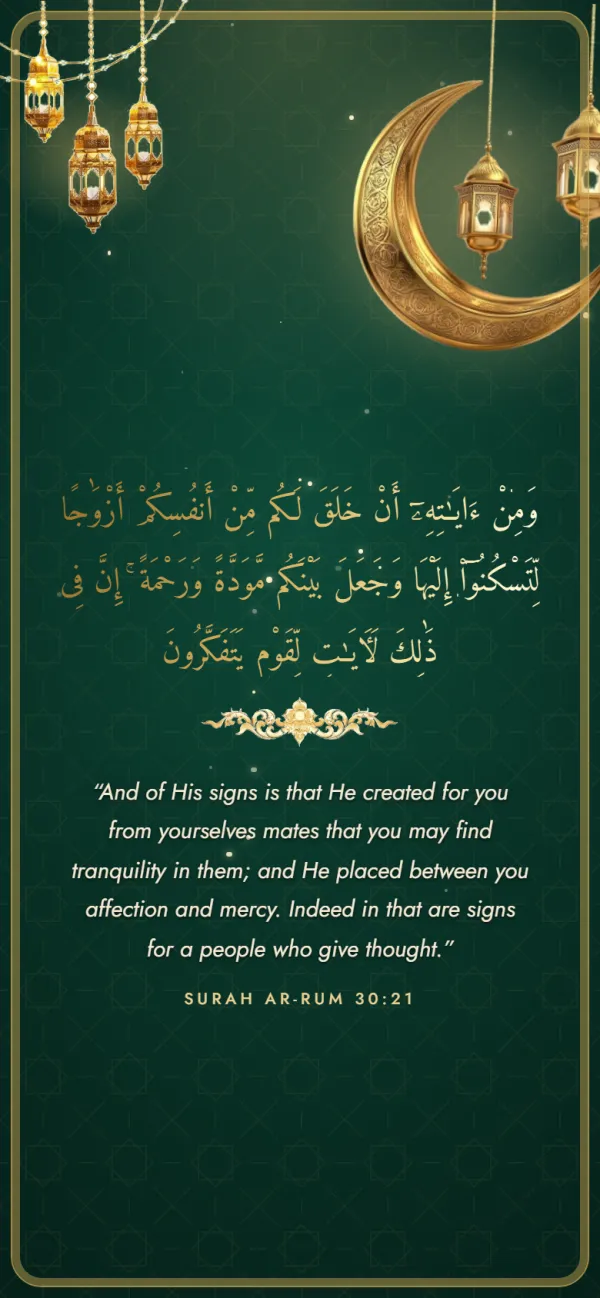
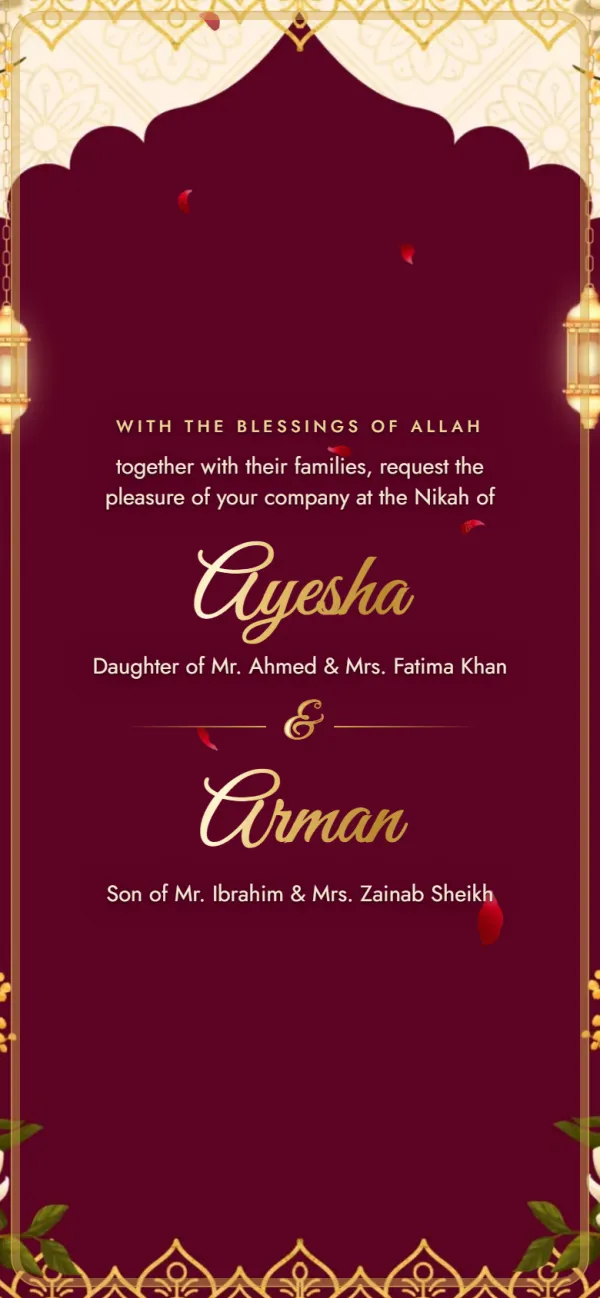
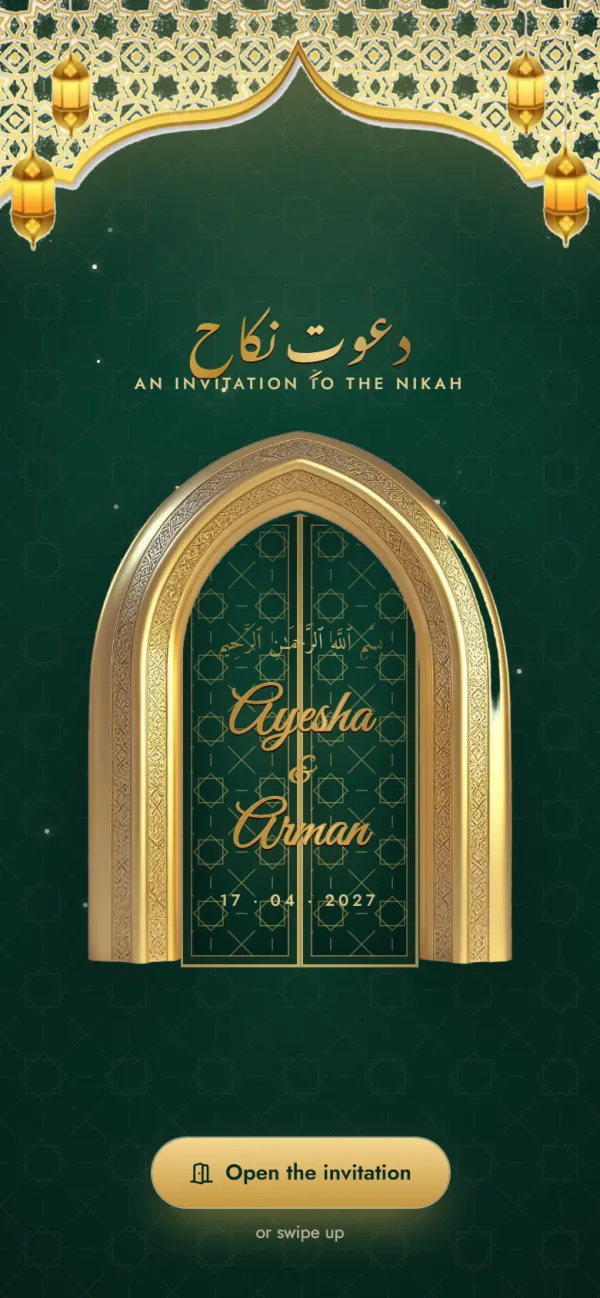
Carved doors open on a night of lanterns, with the Mehndi, Nikah and Walima ready to fill in.
Functions included
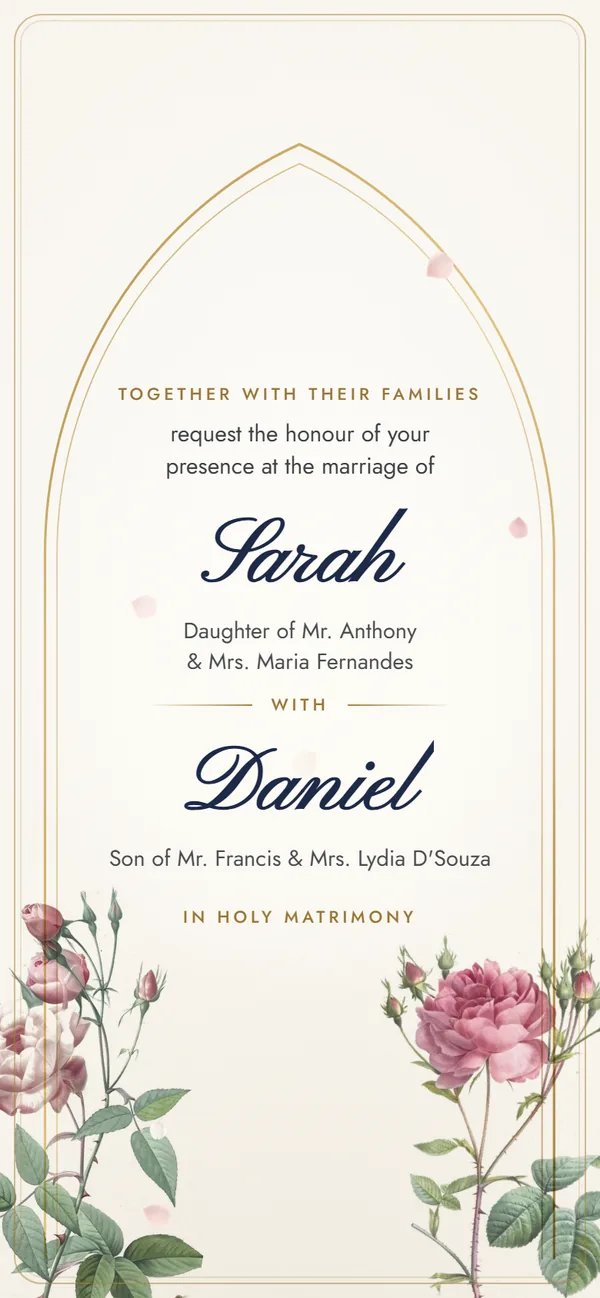
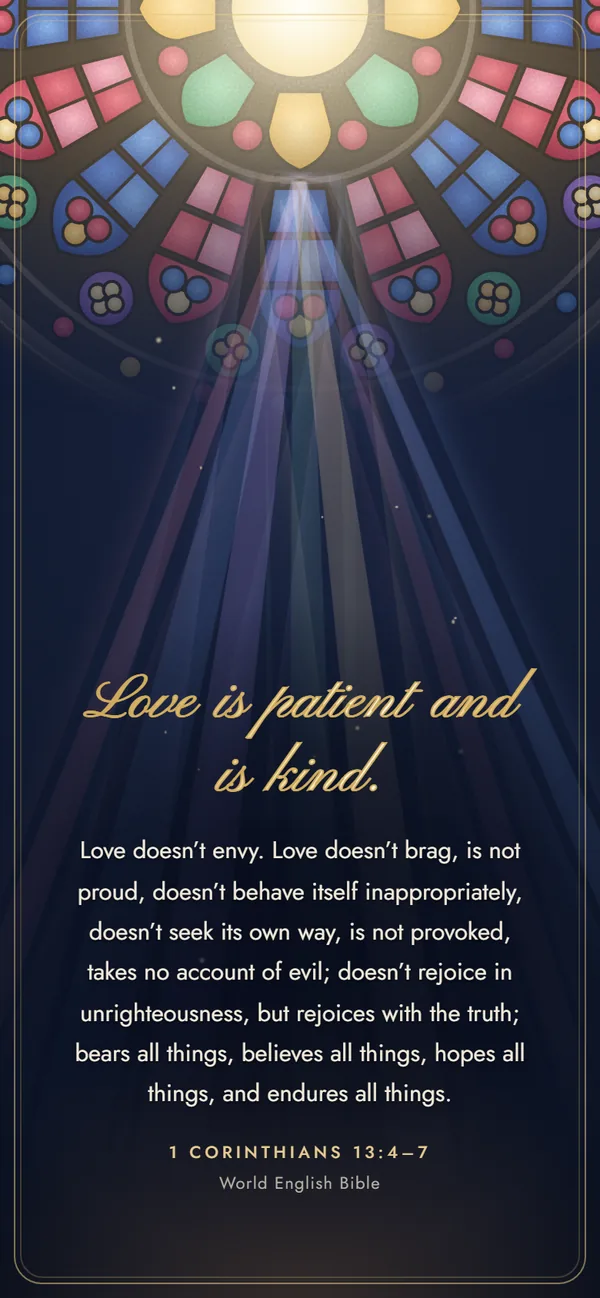
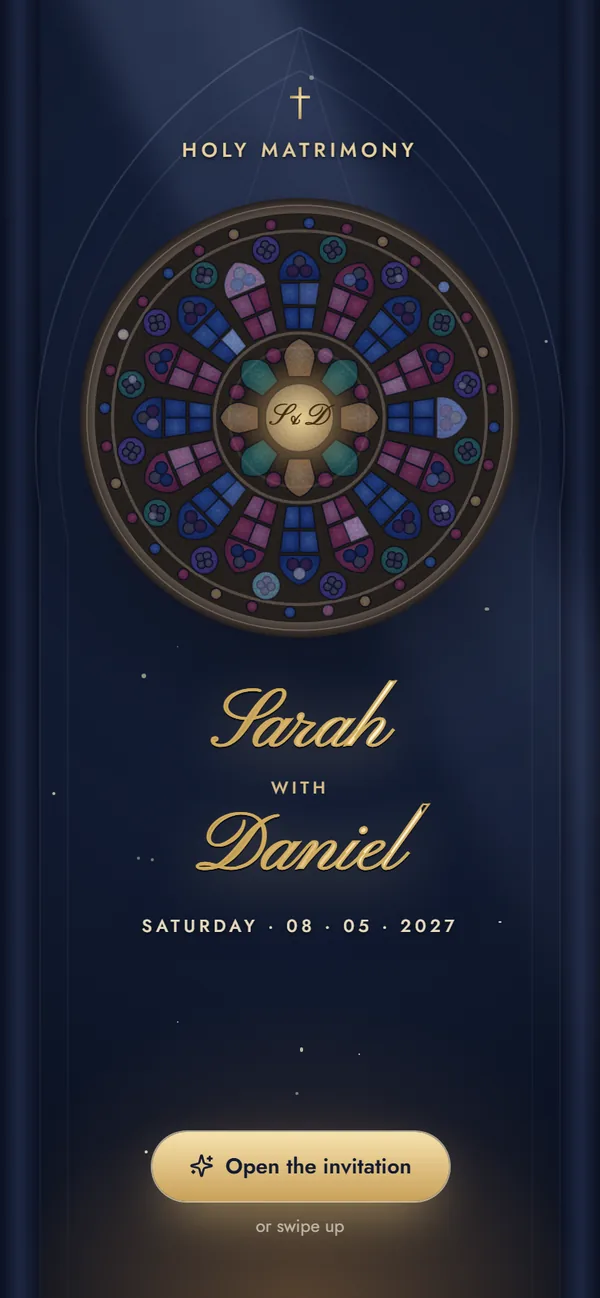
A stained-glass rose window lights up over your names — engagement, Roce, Holy Matrimony and reception.
Functions included
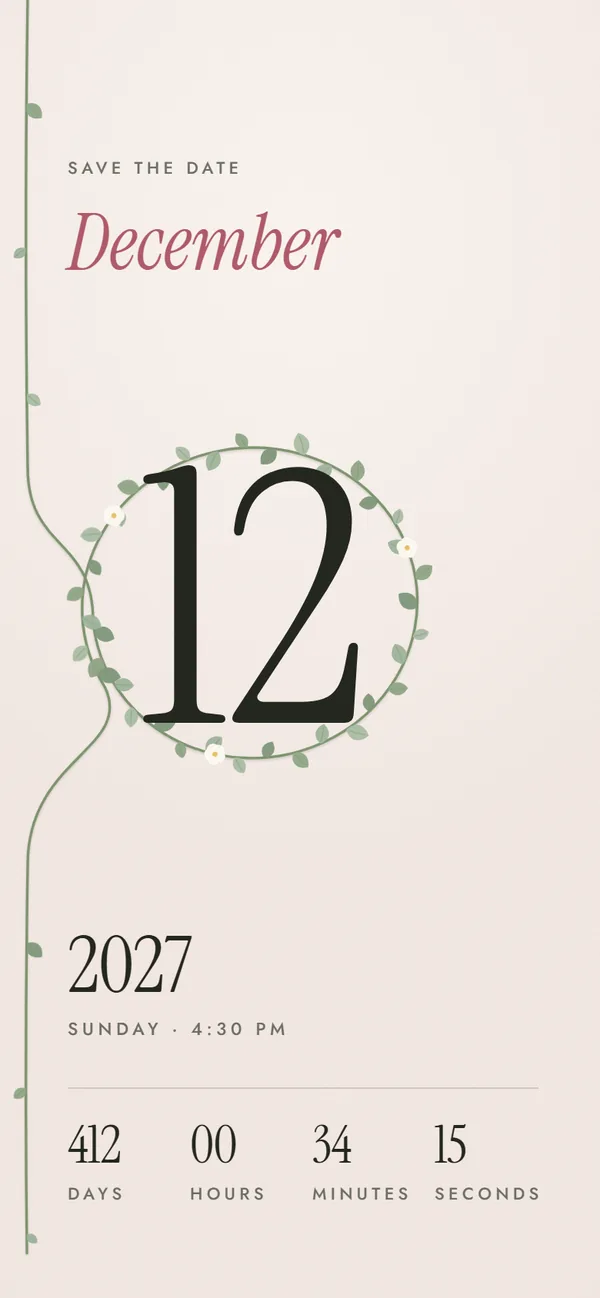
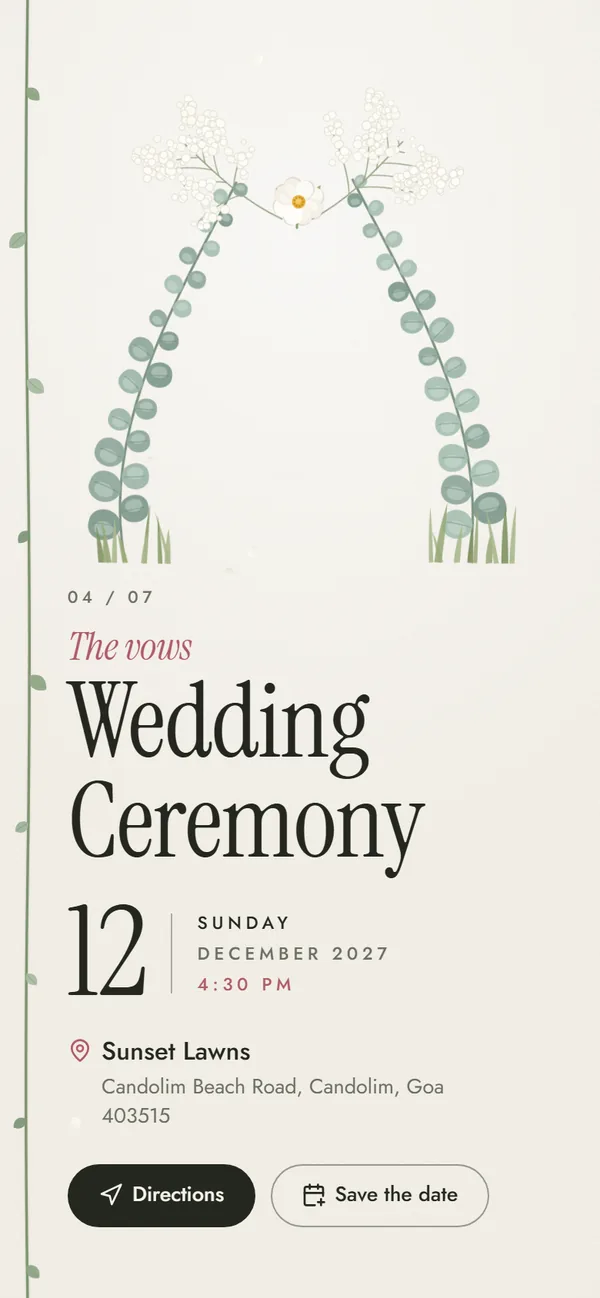
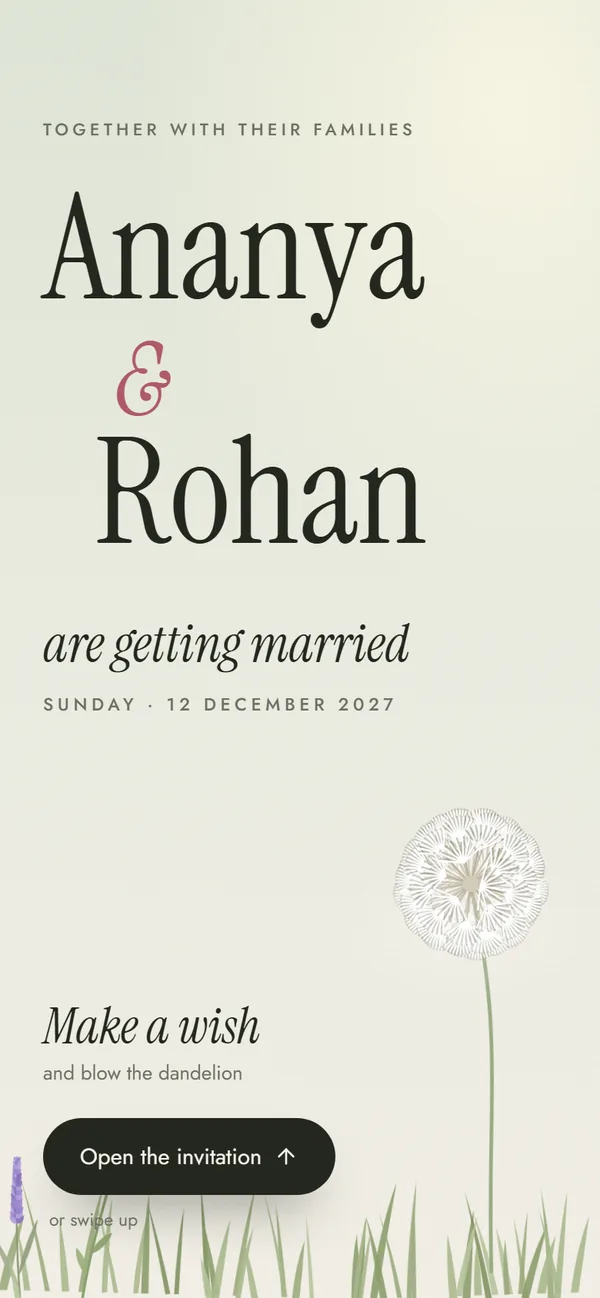
Make a wish on a dandelion, then watch a garden grow — editorial type, no religious text, an hour of the day for every function.
Functions included
Straight answers, including what we don't do yet.
Yes, it's built in: every design has its own instrumental track that plays once a guest opens the invitation. In Muslim Elegant it plays only if the guest chooses to. The music button turns it off at any time.
Not yet. The simplest way to include your song is to send a link to it right after your invitation link on WhatsApp, or to name it in your welcome message.
No. Phone browsers don't allow sound before the visitor taps, and we wouldn't want it anyway. The music starts with the tap that opens the invitation, fades in softly, and the music button turns it off at any time.
Yes. Each track is an instrumental made for its design, synthesised from scratch with no samples or recordings: original tunes, or a public-domain classic for Christian Classic. There are no film songs, so nothing gets muted or flagged.
Yes. Write it into the welcome message or switch on the optional “our story” text and mention it there — the invite shows exactly what you type.
Many families do for private sharing. If you post the video publicly on Instagram or YouTube, re-uploaded commercial songs can get muted — use the platform's own music library or share a link to the official song instead.
Designing and previewing your invitation is free, with no sign-up. When you're happy with it, getting your shareable link is a one-time ₹499 (launch offer, usually ₹999). That gives you your own link with a photo preview on WhatsApp, unlimited guests and edits until the wedding. There's no subscription.
Design your invitation free, listen to its music in the preview, and get your link when you're happy with it.
Free to try
₹499 only when you share